Disclosure: CalSensei is our app. We wrote this comparison ourselves, so we based every claim about other apps on their own pricing pages, help centers and App Store listings, plus a few press and review articles. All of them are listed at the end. Prices are US list prices as of October 2, 2026.
The Short Answer
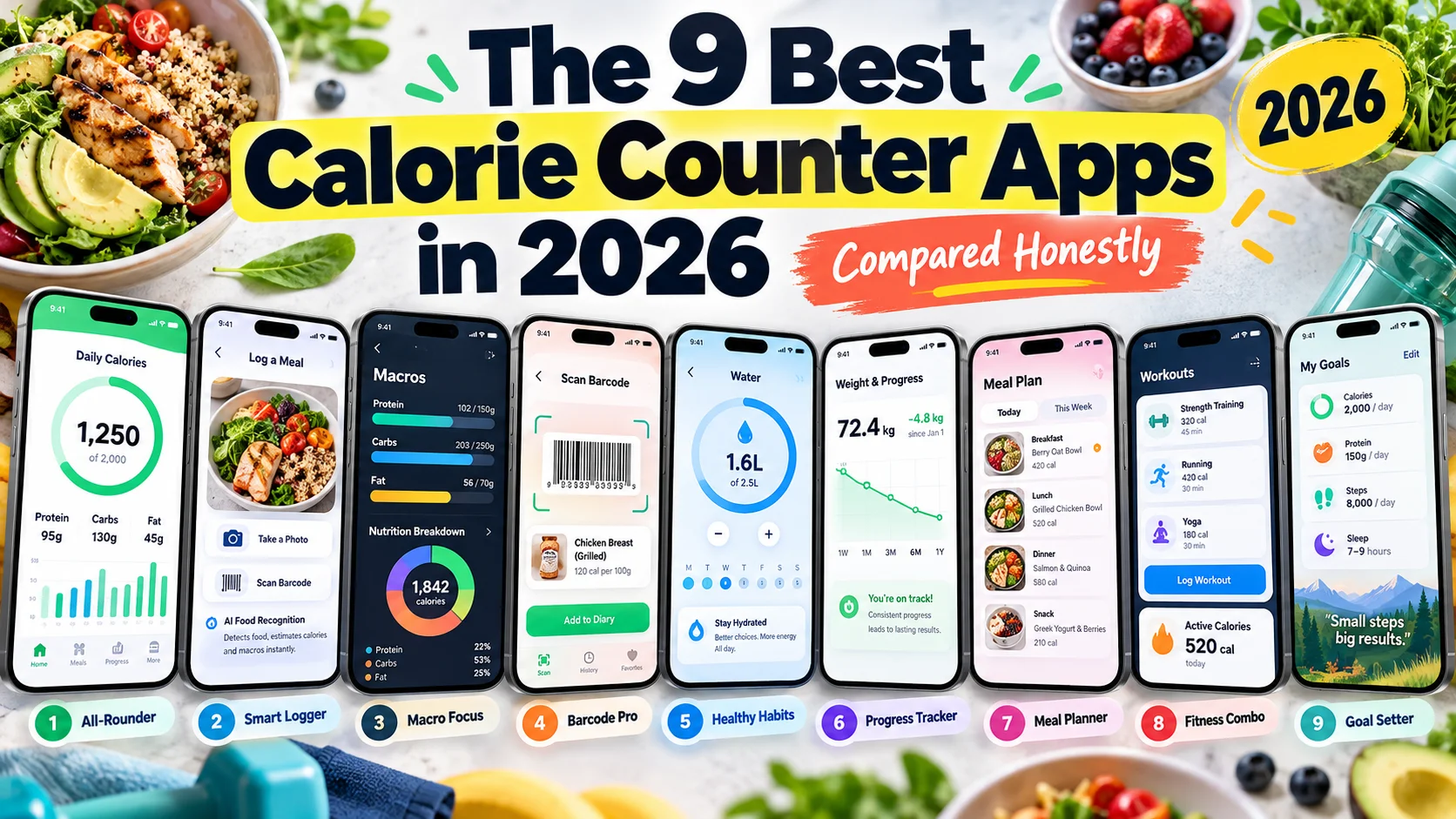
There is no single best calorie counter. There is a best one for the way you want to log food and for what you are willing to pay. Here is where each app is strongest:
- Free AI photo logging: CalSensei. Among the apps we compared, it is the only one whose free plan we could confirm includes AI photo scans, 2 a day. The others put photo logging behind a subscription or have no free plan.
- A very large food database: MyFitnessPal, with more than 20 million foods by its own count.
- Vitamins, minerals and lab-verified data: Cronometer.
- Calorie targets that adjust to your real progress: MacroFactor.
- Ready-made diet plans: Lifesum.
- A free manual tracker in Turkish and many other languages: FatSecret.
- Photo-first logging, if you are ready to subscribe: Cal AI.
- A weight-loss community and a classic food diary: Lose It!
The rest of this article explains how we got there.
How We Compared
We looked at the things that decide whether you keep using a tracker after the first week:
- What you actually pay, and what the free version still does.
- How you log food: typing, barcode, photo, voice, or a conversation.
- Whether an AI assistant can help, and whether it does the logging for you or only gives advice.
- Languages and platforms, because a smart feature that only works in English is not a feature for everyone.
- What users say, using each app's US App Store rating on October 2, 2026.
Many prices vary by country, by special offer and sometimes by user. Where an app publishes an official US price, we use it. Where it only shows prices inside the app, we give the range listed on its US App Store page.
Price and the Free Version
| App | Paid plan (US list price) | Free AI photo logging | Free barcode scanner | Ads on the free plan |
|---|---|---|---|---|
| CalSensei | $9.99/month or $39.99/year | Yes, 2 scans a day | Yes, 20 a day | No |
| MyFitnessPal | Premium $79.99/year, Premium+ $99.99/year | No (Premium) | No (Premium) | Yes |
| Cal AI | Not published; App Store lists $2.99–$29.99 with no billing period | No (subscription) | Unclear | No ads label (Google Play) |
| Lose It! | Premium $79.99/year; in-app offers vary | No (Premium) | Moving to Premium | Yes |
| Cronometer | Gold $10.99/month or $59.99/year | No (Gold) | Yes | Yes |
| MacroFactor | $11.99/month or $71.99/year | No free plan | No free plan | No |
| YAZIO | About $24–48/year on the App Store | No (Pro) | Yes | Yes |
| Lifesum | About $100–120/year on the App Store | No (Premium) | Yes | No ads label, Premium pop-ups |
| FatSecret | About $39–60/year on the App Store | No (Premium) | Yes | Unclear |
Two things stand out. First, AI photo logging is a paid feature in almost every app here: MyFitnessPal's Meal Scan, Lose It!'s Snap It, Cronometer's photo logging, YAZIO's and Lifesum's AI tracking and FatSecret's Smart Food Scan all need a subscription. Second, the barcode scanner, once free at both, is now behind the paywall at MyFitnessPal and is moving there at Lose It!.
Features and Reach
| App | AI chat or assistant | Languages | Turkish | Platforms | App Store rating (US) |
|---|---|---|---|---|---|
| CalSensei | Yes, and it logs for you (free with a daily limit) | 13 | Yes | iPhone | No ratings yet, launched September 2026 |
| MyFitnessPal | Nutrition Coach: Premium, iPhone, English; advice only, no logging | 19 | Yes (AI features English only) | iOS, Android, web | 4.7 (2.4M ratings) |
| Cal AI | Not found | 15 | No | iOS, Android | 4.8 (368K) |
| Lose It! | Not found | 8 | No | iOS, Android, web | 4.8 (779K) |
| Cronometer | Crono Coach (Gold); free-form chat not confirmed | 1 (English) | No | iOS, Android, web | 4.8 (99K) |
| MacroFactor | No, its "coach" is an algorithm | 2 | No | iOS, Android | 4.8 (23K) |
| YAZIO | No, support bot only | 20 | Yes | iOS, Android | 4.7 (51K) |
| Lifesum | No coach; chat-style AI logging (Premium) | 14 | No | iOS, Android | 4.6 (151K) |
| FatSecret | No coach; Smart Assistant logs typed or spoken meals (Premium) | 23 | Yes | iOS, Android, web sign-in | 4.7 (15K) |
Ratings are rounded to one decimal, and the number of ratings matters as much as the stars. Language counts are the languages each app declares on its US App Store listing. A new app like CalSensei has no ratings yet, which is worth knowing before you choose.
The Apps, One by One
CalSensei (our app)
Best for: people who want to log meals with a photo or a sentence instead of searching a database, and want to try it properly for free.
CalSensei is built around Sensei, an AI assistant you talk to. You can photograph a plate, a packaged product, a workout plan or the display of your scale, or just say "two eggs and a toast with butter". Sensei turns it into an entry in your log: a meal with calories and macros, a weigh-in or a workout. If a photo shows several dishes, it asks which ones you ate. If a scan gets something wrong, you correct it in one sentence instead of starting over.
- Free plan: every day you get 2 AI photo scans, 2 voice or text meal descriptions, 20 barcode scans, 10 messages to Sensei for logging and 10 for general questions. There are no ads.
- Pro: $9.99 a month or $39.99 a year in the US. It raises every daily limit, for example to 15 photo scans a day and unlimited barcode scans.
- Beyond food: water and weight tracking, steps and workouts from Apple Health, recipes for dishes you pick, and free ready-made meal plans.
- On iPhone: Home Screen widgets and Siri shortcuts.
- 13 languages, including Turkish, Arabic, Hindi, Japanese and Korean. Sensei answers in your language.
Watch out for: it is iPhone-only today. The Android version is not out yet, and there is no web version. It launched in September 2026 and has no App Store ratings yet. Photo estimates are estimates, as they are in every app on this list.
MyFitnessPal
Best for: people who log by searching and want a very large food database.
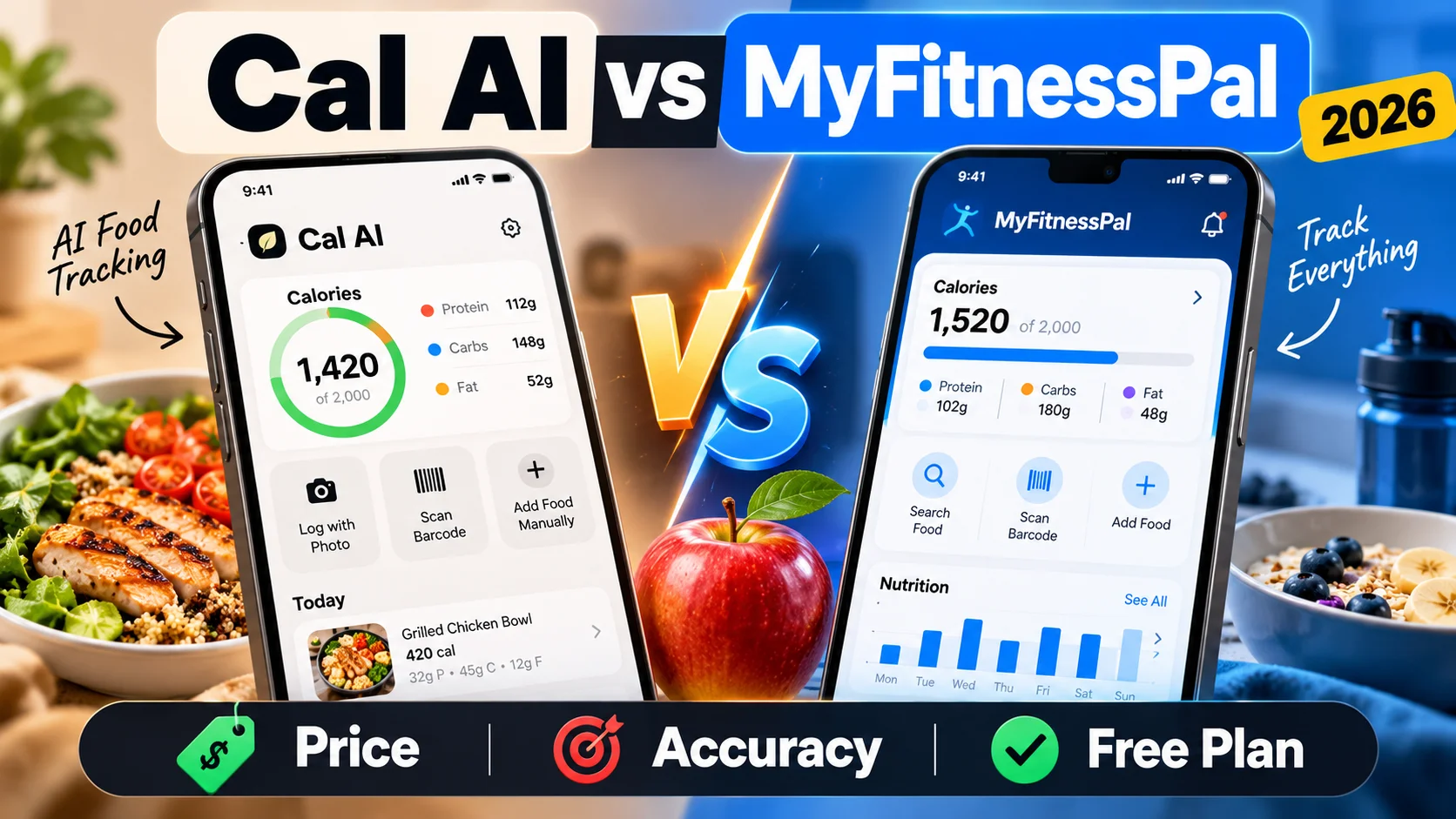
MyFitnessPal says its database holds more than 20 million foods, and with 2.4 million US ratings it is the most rated app here. It also owns Cal AI, a deal announced in March 2026, and Cal AI remains a separate app.
- Paid: Premium is $79.99 a year and Premium+ $99.99 a year, according to its August 2026 announcement. Prices vary by country.
- Free plan: food and exercise logging, calorie goals and macro goals by percentage, with ads. Its August 2026 update says all members can browse recipes filtered by their goal.
- Behind the paywall: the barcode scanner, Meal Scan photo logging, voice logging and gram-level macro goals. The meal planner and grocery lists need Premium+.
- Nutrition Coach: a chat that knows your diary and goals and suggests meals, but it cannot log food for you. It needs Premium, runs only on iPhone, in English, in six countries.
Watch out for: the photo, voice and Coach features work only in English, even though the app itself is translated into Turkish. A frequent complaint is that the barcode scanner is no longer free.
Cal AI
Best for: people who want to snap a photo and be done, and are ready to subscribe.
Cal AI is built around snap-a-photo logging, and it has 4.8 stars from 368,000 US ratings.
- Paid: prices are not published on its website and are shown in the app. Its US App Store page lists purchases from $2.99 to $29.99 without a billing period. There is a 3-day free trial.
- Free plan: its App Store page says scan results need a subscription, so plan to pay to use it properly.
- Accuracy: its own FAQ describes photo scans as about 80% accurate.
Watch out for: it is not available in Turkish, and we found no meal plans and no AI chat assistant. Its paywall and billing practices have drawn criticism.
Lose It!
Best for: a classic food diary with a weight-loss plan and a large community.
- Paid: Premium is $79.99 a year, and its help center lists no monthly plan. It also says prices can change with promotions and with how often you use the app. A $299.99 lifetime option exists, and new users get a 7-day free trial.
- Free plan: a calorie budget, the food database and the community, with ads, including full-screen ones.
- Behind the paywall: Snap It photo logging, voice logging, custom macro targets, and now the barcode scanner, which is moving to Premium.
Watch out for: photo and voice logging work only when your phone is set to English. The app is available in 8 languages and Turkish is not one of them. Lose It! does not offer meal plans.
Cronometer
Best for: people who care about vitamins and minerals, not only calories.
Cronometer tracks more than 80 nutrients and relies on lab-analyzed food data, which suits people managing specific nutrient targets.
- Paid: Gold costs $10.99 a month or $59.99 a year.
- Free plan: genuinely generous. It includes the barcode scanner, custom macro and micronutrient targets, device sync and data export, with ads.
- Gold: photo and voice logging, Crono Coach, fasting tools and recipe import, and no ads.
Watch out for: the app is in English only, and reviewers describe the interface as dense at first. It offers no diet plans.
MacroFactor
Best for: people who want their calorie target to adjust every week based on real weight and intake.
MacroFactor's standout feature is an algorithm that estimates your actual energy expenditure and updates your targets each week.
- Paid only: $11.99 a month, $47.99 for six months or $71.99 a year, with a 7-day free trial. Its website says there will never be a free version, and there are no ads.
- Everything is included: photo logging, typed or spoken descriptions, a barcode scanner and a nutrition-label scanner.
Watch out for: you have to pay to use it at all. It is available in English and Japanese only, and there are no meal plans.
YAZIO
Best for: a simple, friendly tracker with fasting tools, in Turkish and many other languages.
- Paid: Pro is sold for the whole period up front, because YAZIO's help center says a monthly payment is not possible. A year costs roughly $24–48 on the US App Store, depending on the offer.
- Free plan: calorie counting, the barcode scanner, Apple Health and Health Connect, and one fasting plan, with ads.
- Pro: AI photo tracking, recipes, meal planning and more fasting plans. AI photo tracking used to be free and is now part of Pro.
Watch out for: there is no AI chat assistant, and recent App Store reviews often mention pop-ups and upsells. There is no web version.
Lifesum
Best for: ready-made diet plans such as keto, Mediterranean and fasting, in a polished design.
- Paid: Premium costs about $100–120 a year on the US App Store.
- Free plan: food search, barcode scanning and quick logging.
- Premium: AI tracking by photo, voice or text, including a chat-style logging screen, custom calorie goals, and the meal plans and programs. Its help center also lists macro adjustment as a Premium feature.
Watch out for: its yearly plan is one of the pricier ones here, it is not available in Turkish, and its website does not support tracking.
FatSecret
Best for: a free manual tracker that works in many languages.
- Paid: Premium costs about $39–60 a year on the US App Store, and prices vary by region.
- Free plan: macro tracking, the barcode scanner, community features and reports.
- Premium: the Smart Food Scan photo feature, voice or typed logging through Smart Assistant, meal plans written by dietitians and the water tracker.
- 23 languages, including Turkish, plus a web sign-in.
Watch out for: at the end of September 2026 many App Store reviews complained that an update made logging slower. Check recent reviews before you commit.
How to Choose
Start with how you want to log. If searching a database is fine, MyFitnessPal, Lose It!, FatSecret and Cronometer all handle it. Cronometer, FatSecret, YAZIO and Lifesum keep the barcode scanner free, and so does CalSensei, with a daily limit. If you know you will stop logging the moment it gets tedious, try a photo-first app.
Try before you pay. Most apps in this comparison put photo logging behind a subscription, so the free version may not show you the feature you came for. CalSensei's free plan includes two AI photo scans every day, which is enough to judge whether photo logging works for you.
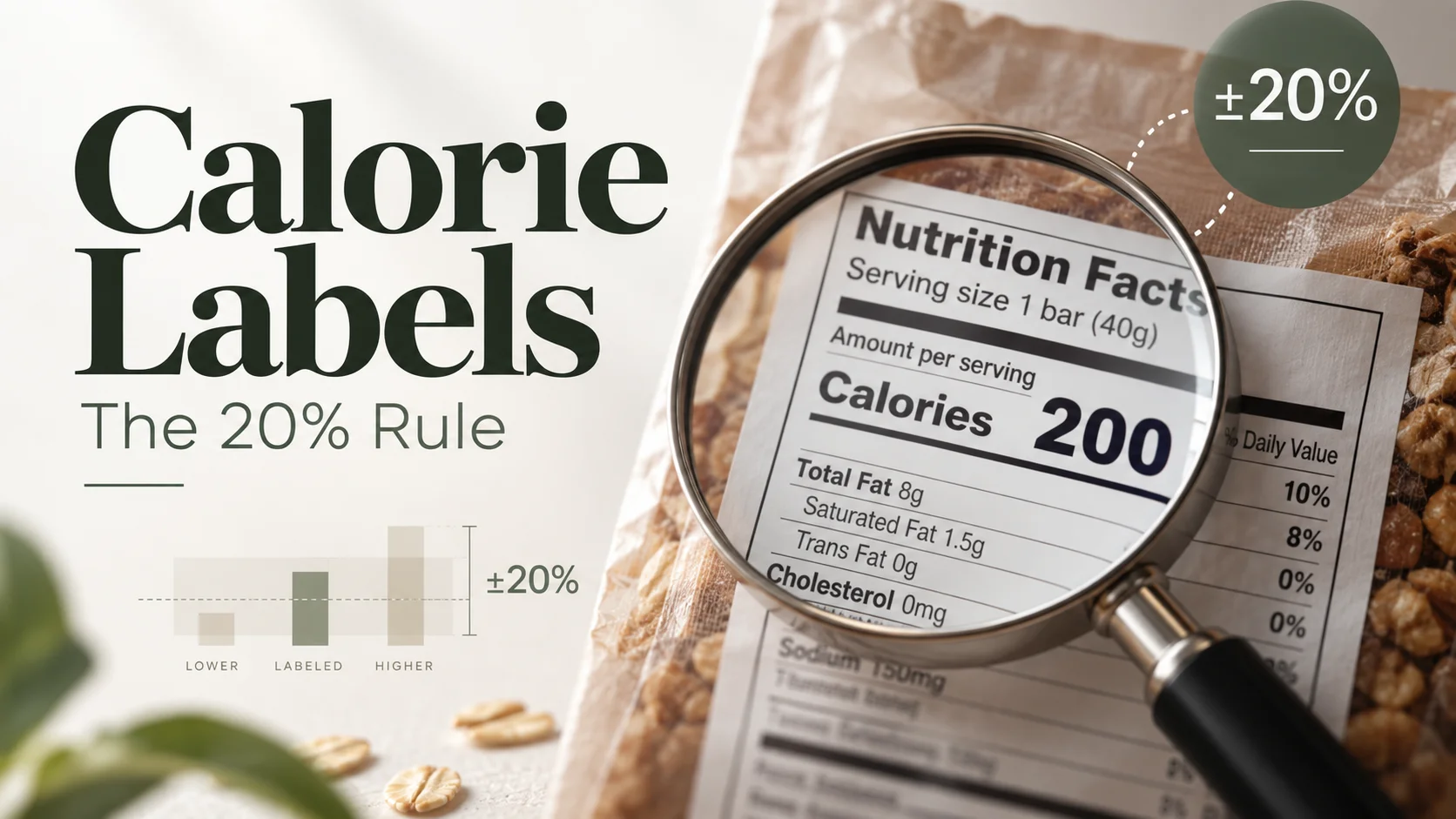
Remember that every number is an estimate. A photo cannot see the oil in the pan, and even the calories on packaged food labels are allowed a margin of error. We explain how much in how accurate calorie labels are. For packaged foods, a barcode is usually more reliable than a photo.
Check your language. Some apps translate their menus but keep their AI features in English. If you want to talk to the app in Turkish, Arabic or Hindi, look at what the AI supports, not only the interface.
Know your targets first. An app is only as useful as the goal you give it. If you have not set yours yet, start with how many calories you should eat a day and our beginner's guide to tracking macros.
Frequently Asked Questions
What is the best free calorie counter app?
For manual logging, Cronometer and FatSecret both have broad free plans that include the barcode scanner. If you want AI photo logging without paying, CalSensei is the only app in this comparison whose free plan we could confirm includes it, with 2 scans a day.
Is there a free AI calorie tracker?
Most apps in this comparison charge for photo logging. CalSensei's free plan includes daily AI photo scans, voice or text meal descriptions and messages to its AI assistant, each with a daily limit.
Is the MyFitnessPal barcode scanner free?
No. MyFitnessPal's help center lists the barcode scanner as a Premium feature.
Which calorie counter apps work in Turkish?
Among the apps compared here, CalSensei, MyFitnessPal, YAZIO and FatSecret are available in Turkish. MyFitnessPal's photo, voice and Nutrition Coach features work only in English.
How accurate are AI photo calorie counters?
They give a useful estimate, not an exact measurement. Cal AI's own FAQ puts its photo scans at about 80% accuracy. Accuracy drops with mixed dishes, sauces and cooking oil, so correcting the entry or using a barcode for packaged food helps.
Prices and features change often. This comparison reflects each app's own pages and US App Store listings on October 2, 2026. Prices in your country may differ; check the app before you subscribe. This article is for general information and is not medical or nutritional advice.
Sources
- MyFitnessPal: 2026 Summer Release announcement (GlobeNewswire, August 25, 2026); Help Center, "The difference between Free, Premium and Premium+"; Help Center, "Introducing Nutrition Coach". https://support.myfitnesspal.com
- Cal AI: official website and FAQ, https://www.calai.app; TechCrunch, "MyFitnessPal has acquired Cal AI" (March 2, 2026); 9to5Mac on Cal AI's App Store billing issue (April 21, 2026).
- Lose It!: Help Center, "Lose It! Membership Tiers & Pricing", "Unlocking the Barcode Scanner" and "Ad-Free Version of Lose It!". https://loseit.zendesk.com
- Cronometer: Cronometer Gold, https://cronometer.com/gold/; Cronometer Support, "Mobile Photo Logging" and "Mobile Crono Coach"; Fortune, Cronometer review (August 28, 2026).
- MacroFactor: official website, https://macrofactor.com/macrofactor/; MacroFactor Help, "AI Food Logging".
- YAZIO: Help Center articles on YAZIO Pro, pricing and AI photo tracking. https://help.yazio.com
- Lifesum: Help Center, "What do I get when I buy Premium?", the AI Tracking article and the web browser article. https://help.lifesum.com
- FatSecret: Premium comparison, https://www.fatsecret.com/premium; FatSecret app help, food add options.
- Reviews: Garage Gym Reviews, MyFitnessPal review (June 2, 2026) and Cronometer review (May 9, 2025); US App Store customer reviews for YAZIO and FatSecret, read October 2, 2026.
- App Store ratings, languages and price ranges: Apple App Store (US) listings and the iTunes Search API, accessed October 2, 2026.